
Organize your questions and next steps, then save your worksheet.
Summary and next steps
Measure the space needed for the person’s usual signature and compare the guide’s inner opening with a sample form.
- Use a practice sheet rather than an important document
- Check whether the frame slips or restricts pen movement
- Read and understand the document before any real signature
Editorial maintenance: October 24, 2026. Summary layout, related links and technical metadata updated. This is not a full clinical review.
Choose a signature guide by its inner opening, your usual signature and the space on the form—not by age alone. The opening should let you make your usual strokes without catching the edges, while keeping your signature in the intended area. There is no single size this guide can recommend for every senior, or a separate standard size for tremor or arthritis.
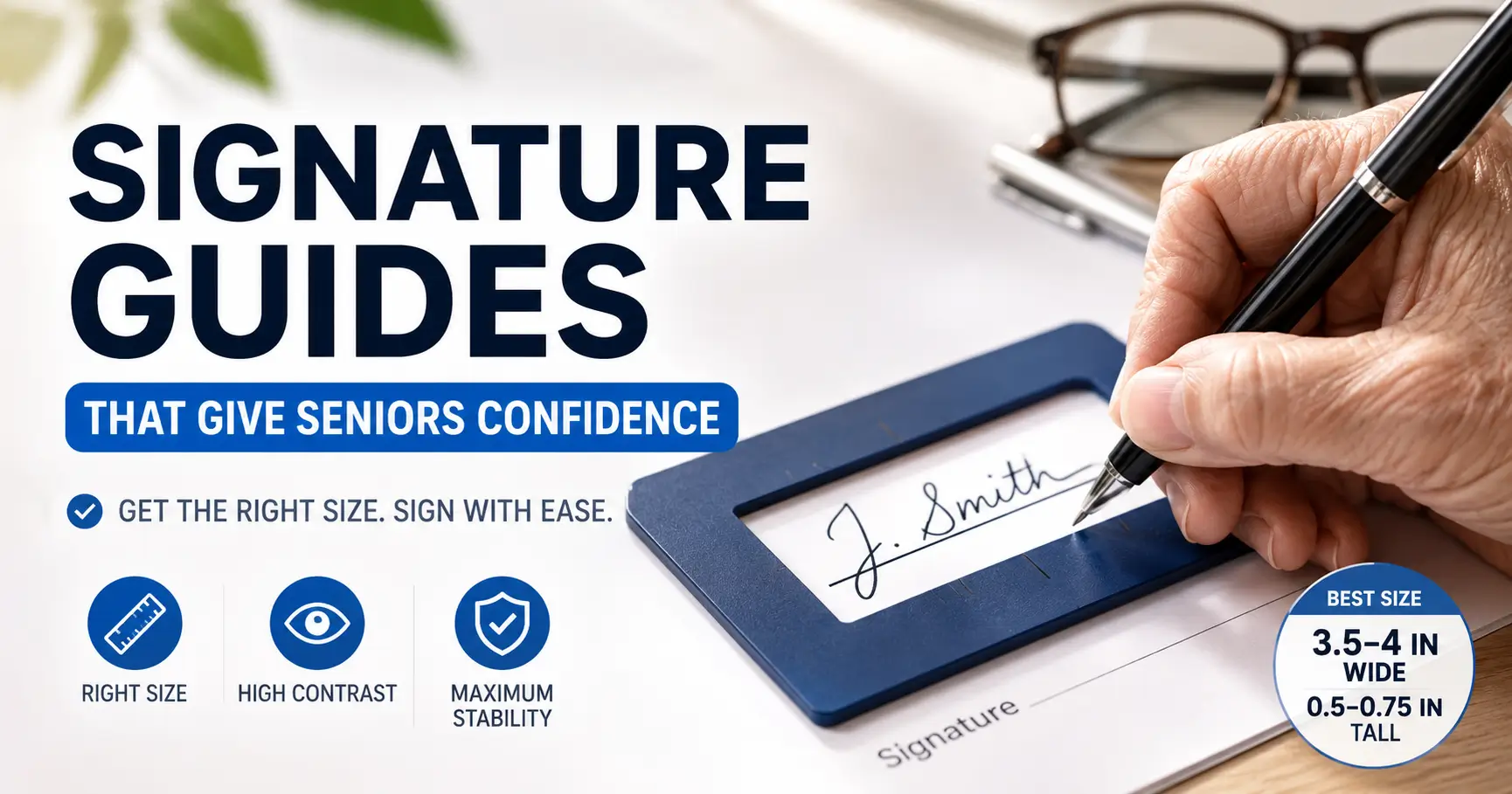
A signature guide is a frame or tactile line that helps you locate where to sign. It can be useful when the line is hard to see or find by touch. It does not treat hand tremor, relieve every cause of writing pain, or make an unfamiliar document safe to sign. Start with a paper trial before buying another aid.
Measure three things before choosing a size
1. Your usual signature
Use blank paper, your familiar pen and a comfortable, supported position. Write your signature as you normally would. If it varies, make a few comfortable samples rather than trying to produce a perfect one. Stop if writing hurts or tires your hand.
With a ruler, measure the full width from the first to the last stroke and the full height from the highest to the lowest stroke. Include initials, flourishes and the tails of letters such as g or y. Keep the samples: the pen’s movement matters as well as the finished ink.
2. The guide’s inner opening
A product’s overall dimensions describe the outside of the frame. They do not tell you how much writing space is inside it. Ask the supplier for the clear opening width and height, or the usable area around a flexible guide line. A wallet-size outer card can have a much smaller opening.
Do not assume that a larger opening is always easier. It may allow comfortable movement on blank paper but extend beyond the signature area on a check or form. A smaller opening may fit the form while catching a letter tail or forcing you to change your signature.
3. The space on the actual form
Look at the line or box where the signature belongs, including nearby dates, labels and other fields. Try the guide on a blank sample or a copy with personal information removed. Make sure the frame can sit flat without hiding information you still need to read. A useful guide for one form may not fit another.
If you cannot inspect the form beforehand, ask the receiving office about its layout and available signing assistance. Do not practice by signing an original legal or financial document.
A simple opening comparison
Use the same unit for every measurement. Subtract the signature width from the opening width, then do the same for height:
- Extra width = opening width − signature width
- Extra height = opening height − signature height
Illustrative example, not a recommended size: a signature measuring 80 mm wide and 12 mm high inside a 90 mm by 16 mm opening leaves 10 mm of extra width and 4 mm of extra height in total. That is not 10 mm on each side. If centered, it would be 5 mm on each side, but your starting position and pen movement may be different.
A negative result means the measured signature exceeds that opening in that direction. Zero means there is no extra space on paper. A positive result only shows a dimensional difference; it does not establish comfortable movement or a good fit. There is no universal clearance allowance to add to every signature.
- Usual signature: ___ wide × ___ high; unit: ___
- Candidate guide’s inner opening: ___ wide × ___ high
- Form’s available signing area: ___ wide × ___ high
- During a trial: can I start, finish and make letter tails without catching an edge?
- Does the guide stay still, and can I place or locate it comfortably?
You can sketch the candidate opening on paper to compare sizes. An outline is only a first check: it cannot reproduce a raised edge, flexible band or slippery backing. If possible, try the actual guide or check the return terms before purchasing.
Choose features that solve the difficulty you have
Rigid opening or flexible baseline?
A rigid cutout provides a clear boundary, but its lower edge can interfere with strokes that extend below the writing line. A flexible baseline can let those strokes pass below it, although using it may take more practice. APH ConnectCenter’s handwriting guidance explains this difference and ways to locate a signing line.
Check the whole motion, including lifting the pen and moving to a second initial. If the frame makes you grip harder, twist your wrist or repeatedly strike an edge, reconsider the design rather than assuming you need to practice through discomfort.
Contrast, tactile edges and stability
If you use remaining vision, compare how clearly you can distinguish the frame from the paper under your usual lighting. A transparent guide may reveal the printed line but be difficult to locate without a contrasting edge. If you use touch, check whether you can identify the writing opening and orient the guide without confusing it with the outside edge.
Try it on the surface you normally use. A guide that slides while signing may need a different backing or setup. For example, APH’s signature guide combines an elastic guide with rubber backing. That illustrates a design feature to compare, rather than a guarantee that one product will suit you.
Keep control of the document and the signing process
Ask for the assistance you need before the appointment. A useful request is: “I use a signature guide. Please let me review the document in an accessible format and help me locate the signature line. I will make my own signature.”
If another person aligns the guide, ask them to identify the correct line and keep the page steady with your permission. You should still have time to understand the document, ask questions and decide whether to sign. Locating a line is different from moving someone’s hand or signing for them.
In the United States, the Department of Justice’s ADA effective communication guidance describes communication duties for covered state and local governments, businesses and nonprofits. Depending on the situation, assistance can include accessible electronic text, large print or a qualified reader. The appropriate method depends on the communication and the person’s needs; a signature frame alone does not make a document accessible.
For notarized, witnessed, bank, court or agency paperwork, contact the responsible office about its procedures. Do not assume that using a stamp, a mark, an electronic signature or another person’s assistance is interchangeable with your usual signature. This article cannot determine whether a particular document has been validly executed.
When a different kind of help is needed
If you can find the line but pain, tremor, weakness or fatigue keeps making writing difficult, a larger frame may not address the problem. Discuss persistent or worsening difficulty with your clinician. For ongoing vision-related tasks, a low vision professional or occupational therapist can help you compare tools and positioning. Bring your guide, pen and a blank sample form; these questions for a low vision OT appointment can help you describe the task.
What to do next
Measure a comfortable signature, confirm the candidate guide’s inner dimensions and compare them with a sample of the form. Then trial the actual frame if possible. Choose the one that lets you locate the line and make your usual strokes without extra strain. Keep the measurements and your preferred pen together for the next appointment.
Reviewed October 15, 2026. General accessibility information; this guide does not diagnose writing difficulties or determine legal signing requirements.
PUT THIS GUIDE TO WORK · INTERACTIVE WORKSHEET
Compare measured signature-guide openings
Use this worksheet alongside the article: Signature Guide Frames for Seniors: Choosing the Opening Size. Use the fields provided to organize your notes and next actions, then save your worksheet.
Your entries stay in this page and are cleared when you reload. No account is needed. Saved files are downloaded only to your device.
Positive differences mean extra measured width or height; negative differences mean the first measurement is smaller. Measurements alone do not establish that a guide works, that a signature will fit, or that a document is appropriate to sign. Positioning, variable handwriting, and the form’s requirements still matter. Try a blank-paper mock-up and request a readable, accessible signing process.
How to use your result
Save the worksheet before leaving this page. Recheck any quote, date, or instruction with the relevant provider, pharmacist, manufacturer, or official organization. A completed checklist means you recorded the steps, not that an outcome is guaranteed.
Worksheet added October 20, 2026. Read the article above for context and its stated review scope.