Scan Documents iPhone: Best Contrast Settings for Low Vision
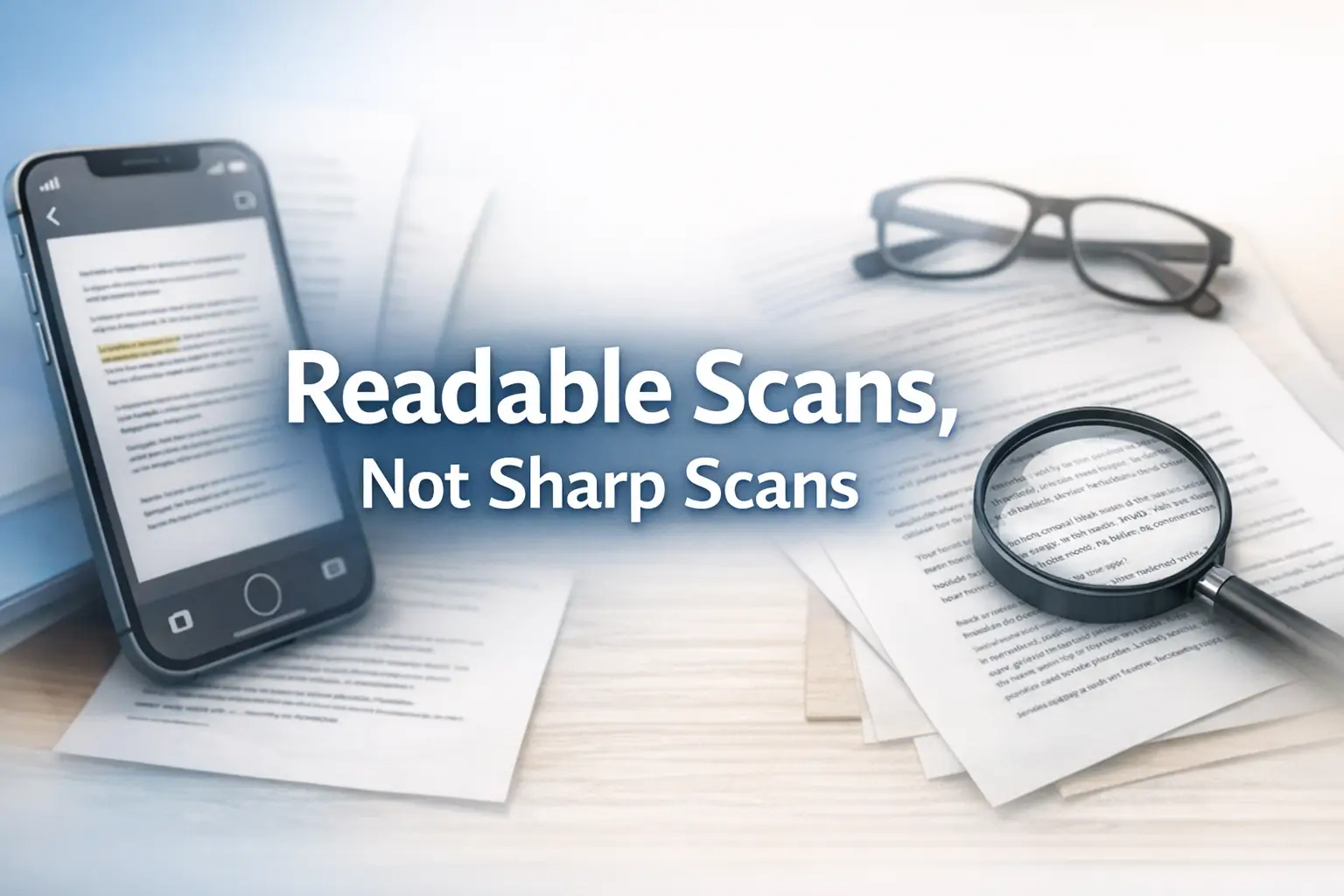
iPhone scan settings for low vision

Summary and next steps Compare the original page with two scan views before keeping a filter. Higher contrast can erase faint text or signatures. Capture the complete page in even light Compare names, numbers and margins with the original Keep the original and protect private document data Related guides iPhone Spoken Content Settings for Reading … Read more

iPhone Spoken Content Settings for Reading Receipts More Reliably

iPhone receipt reading settings

Summary and next steps Use spoken receipt text to locate details, then verify merchant, date and total against the receipt. Recognition can confuse digits or columns. Start with a non-sensitive sample Slow speech and check the relevant line Keep proof of purchase until any discrepancy is resolved Related guides How to Read Medicine Leaflets Low … Read more

Back Tap Shortcut to Open Magnifier: Build a Reliable Double-Tap Routine on iPhone

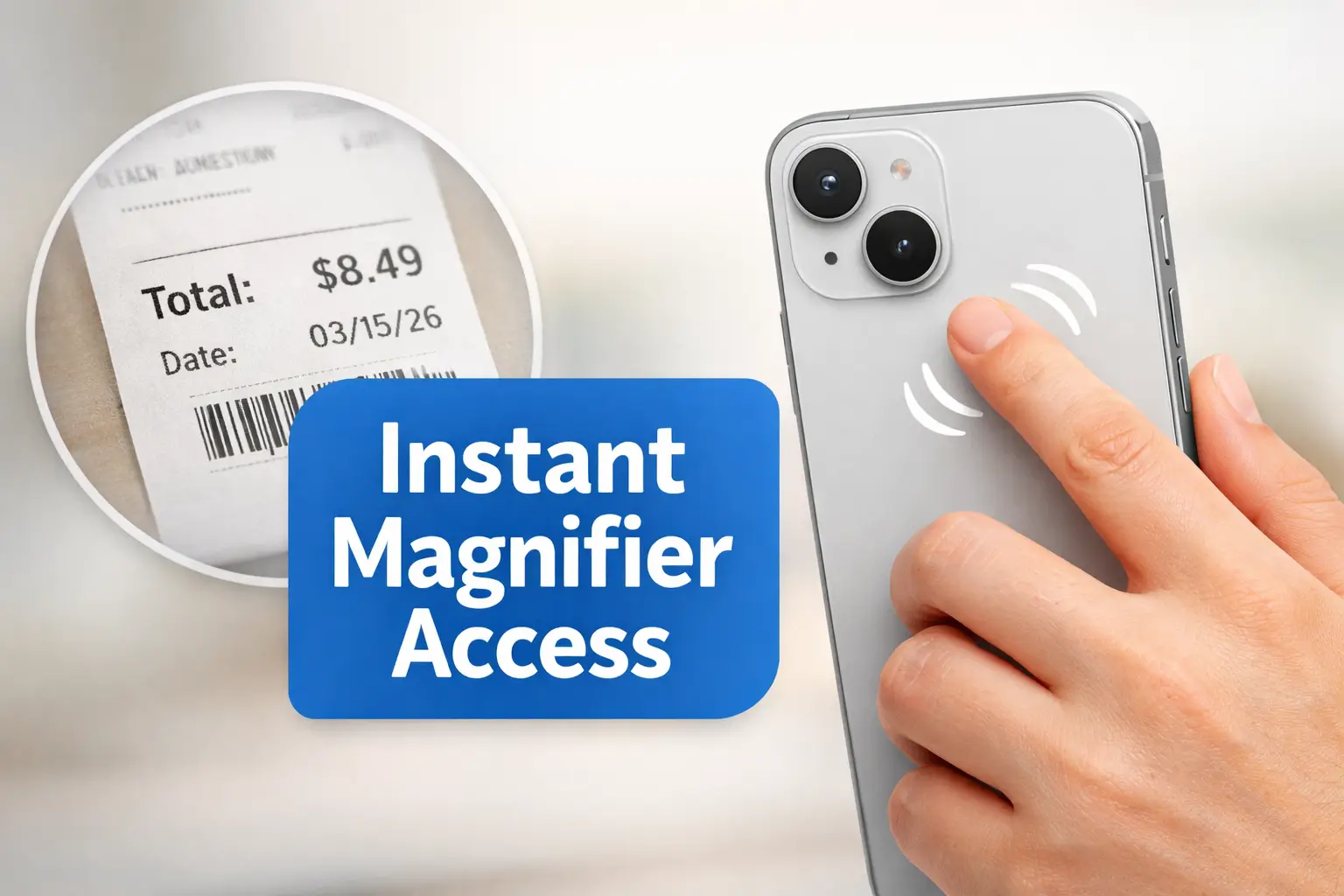
iPhone Back Tap Magnifier

Summary and next steps Set up Back Tap only if supported on this iPhone, then keep another way to open Magnifier in case taps are missed. Check the device’s current accessibility options Practice while seated with harmless print Keep a Home Screen or accessibility-shortcut backup Related guides iPhone Magnifier Best Filters for Reading Pill Bottle … Read more

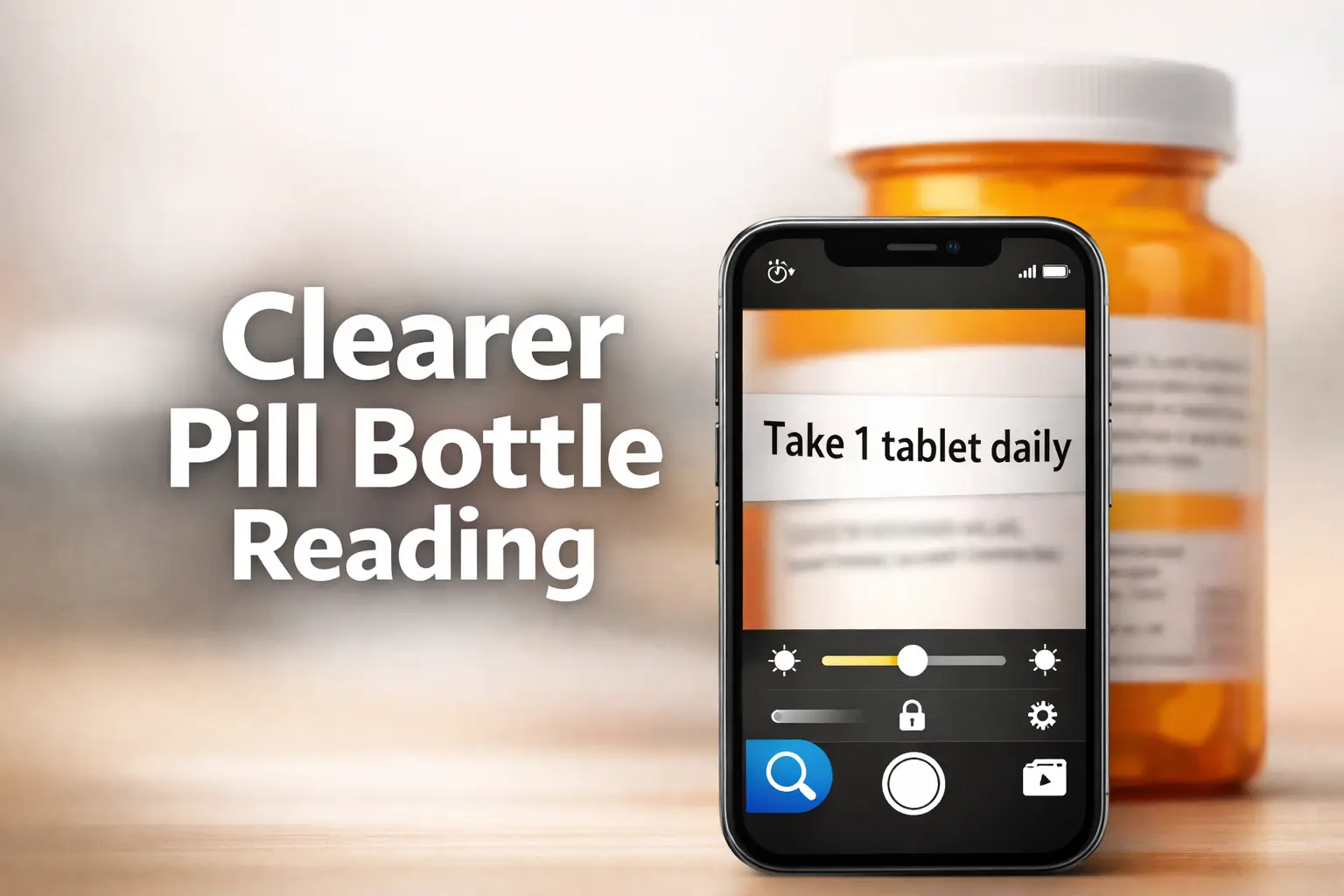
iPhone Magnifier Best Filters for Reading Pill Bottle Labels

iPhone Magnifier filters for pill bottles

Summary and next steps Magnifier filters can improve access to a label but cannot confirm the medicine or dose. Ask the pharmacist if critical print remains uncertain. Match the full medicine name and strength Keep the bottle and official directions visible Confirm unclear numbers or instructions before taking a dose Related guides How to Read … Read more