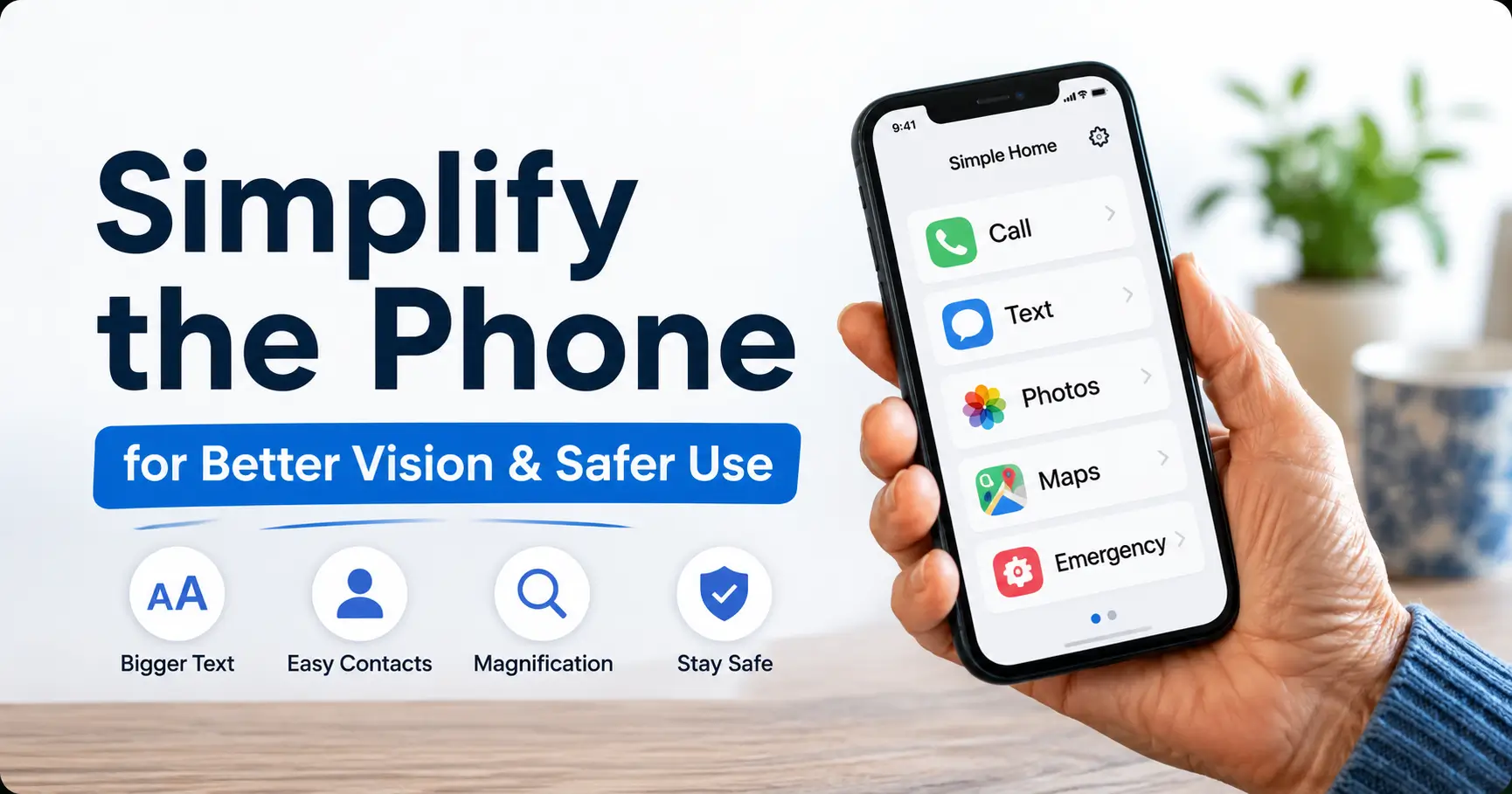
Phishing Text Safety Tips for Seniors With Poor Near Vision

Phishing Text Safety for Seniors

Summary and next steps Phishing Text Safety for Seniors explains safer phone settings, scam red flags, and what to do after a tap. Related guides How to Help Seniors Avoid Clicking Scam Text Links Without Fear, Shame, or Phone Confiscation How to Tell Ads from Real Search Results with Aging Eyes Editorial maintenance: October 24, … Read more
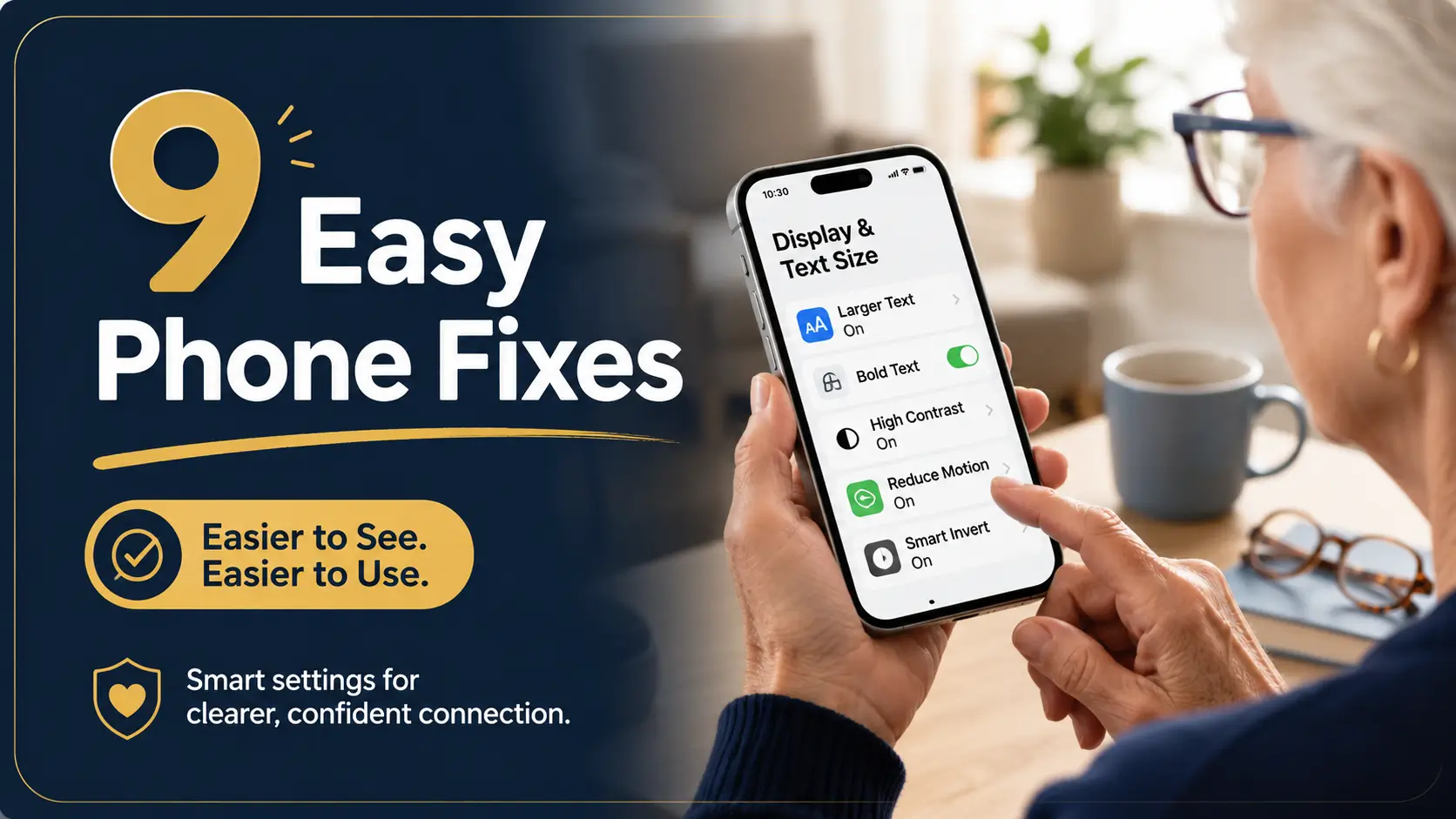
Smartphone Settings for Seniors with Presbyopia: 9 Easy Fixes

smartphone settings for seniors

Summary and next steps Choose one daily phone task, change one setting and make sure the whole task still works. Record the current setting so it can be restored. Try a modest text or display adjustment. Test a message, keyboard and important app for hidden controls. Related guides Best Phone Font Size Settings for Older … Read more

How to Set Up Larger Keyboard Buttons for Older Adults

larger keyboard buttons for older adults

Summary and next steps Change one keyboard setting at a time and test it with familiar, non-sensitive text. Menu names vary by device. Ask the owner which typing task is difficult Try built-in size or accessibility options first Check letters, numbers and the send button before keeping the change Related guides Best Phone Font Size … Read more

How to Simplify an Older Parent’s Phone for Poor Near Vision

simplify older parent’s phone

Summary and next steps Simplify the phone with its owner, keeping useful contacts and security features accessible. Test each change before making another. Agree on the three most important daily tasks Record the original layout or settings Practice calling, reading a message and finding trusted help Related guides Smartphone Settings for Seniors with Presbyopia: 9 … Read more