Smartphone Settings for Seniors with Presbyopia: 9 Easy Fixes
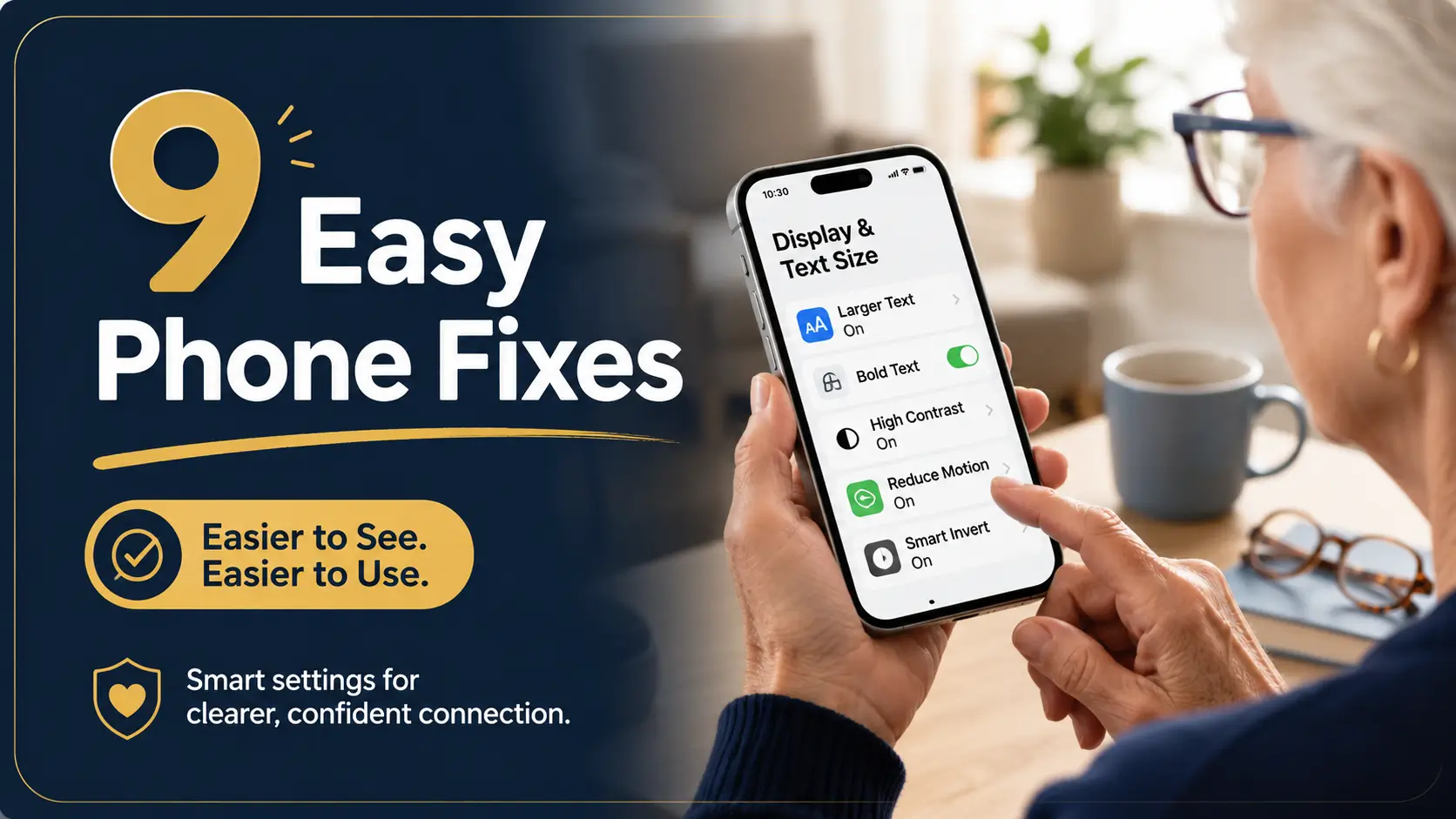
smartphone settings for seniors

Summary and next steps Choose one daily phone task, change one setting and make sure the whole task still works. Record the current setting so it can be restored. Try a modest text or display adjustment. Test a message, keyboard and important app for hidden controls. Related guides Best Phone Font Size Settings for Older … Read more
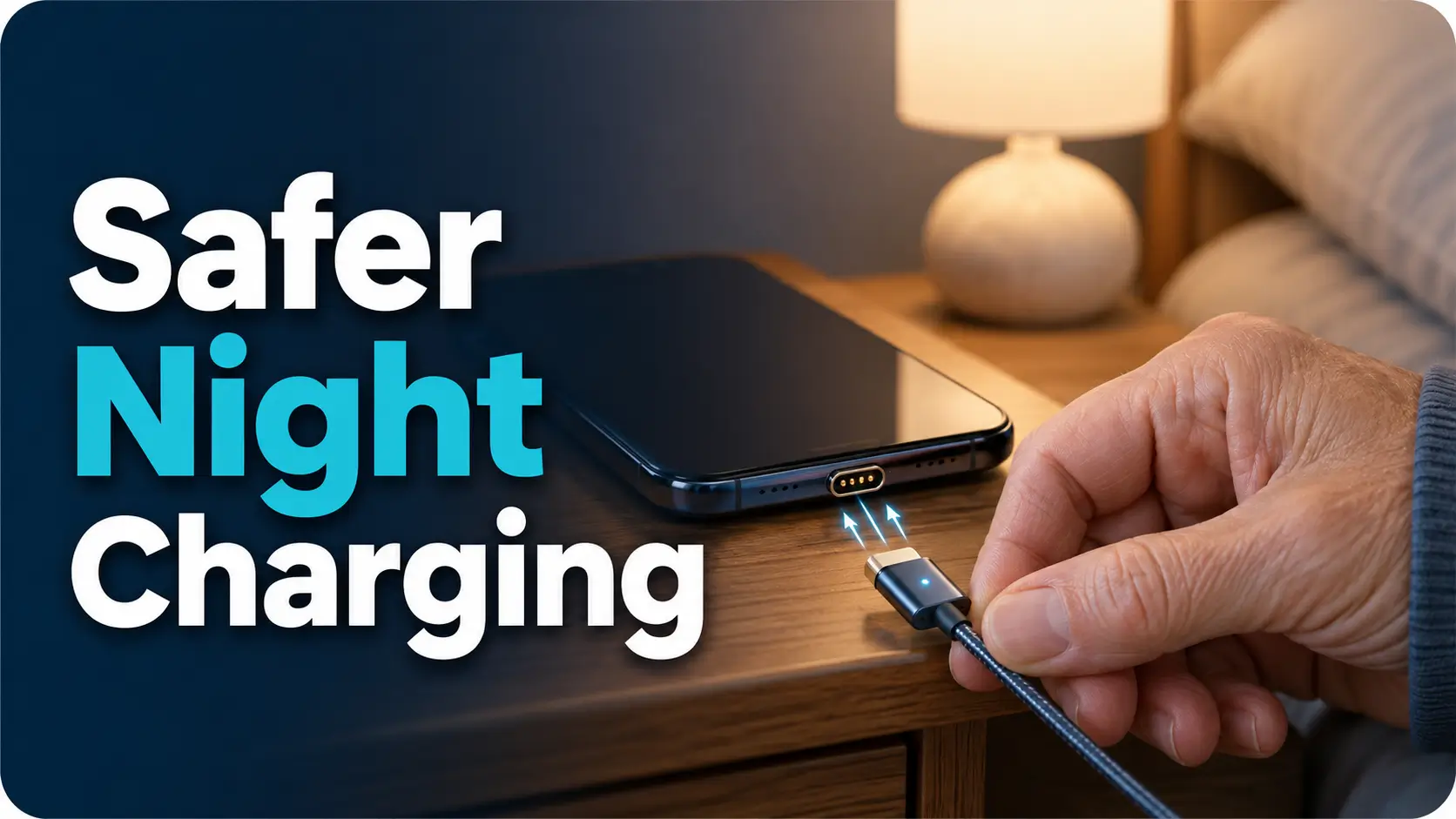
Magnetic Charging Cable Pros and Cons for Seniors with Poor Vision

magnetic charging cable for seniors

Summary and next steps Compare charging options against the device maker’s instructions; a successful trial alone does not establish safety. Check compatibility and the manufacturer’s charging guidance. Keep small detachable parts and magnets away from people at risk. Stop using damaged, loose or unusually hot components and seek advice. Related guides How to Simplify an … Read more

HDMI Input Labeling Tips for Older Adults with Aging Eyes

HDMI input labels for seniors

Summary and next steps Name each TV input after the device it opens, and keep a matching short rescue note near the remote. Record the currently working input before changes Use plain labels such as Cable box or DVD Do not move a heavy TV or obstruct vents to reach a port Related guides Large … Read more

How to Set Up Larger Keyboard Buttons for Older Adults

larger keyboard buttons for older adults

Summary and next steps Change one keyboard setting at a time and test it with familiar, non-sensitive text. Menu names vary by device. Ask the owner which typing task is difficult Try built-in size or accessibility options first Check letters, numbers and the send button before keeping the change Related guides Best Phone Font Size … Read more

Best Phone Font Size Settings for Older Adults with Aging Eyes

best phone font size for seniors

Summary and next steps Increase phone text a little, then check a real message and its buttons. The best setting remains usable in the apps the owner needs. Record the current setting so it can be restored Change text size before changing several other settings Check clipped text, confirmation buttons and the owner’s comfort Related … Read more

How to Organize Digital Files for Seniors with Poor Vision: A Clear, Safer System

organize digital files for seniors

Summary and next steps Organize a small set of files with the owner’s permission, preserving originals and a recovery route before moving or deleting anything. Choose plain names for one useful folder Check sharing permissions before adding health or financial documents Verify a backup and open a copied file before removing originals Related guides Low … Read more

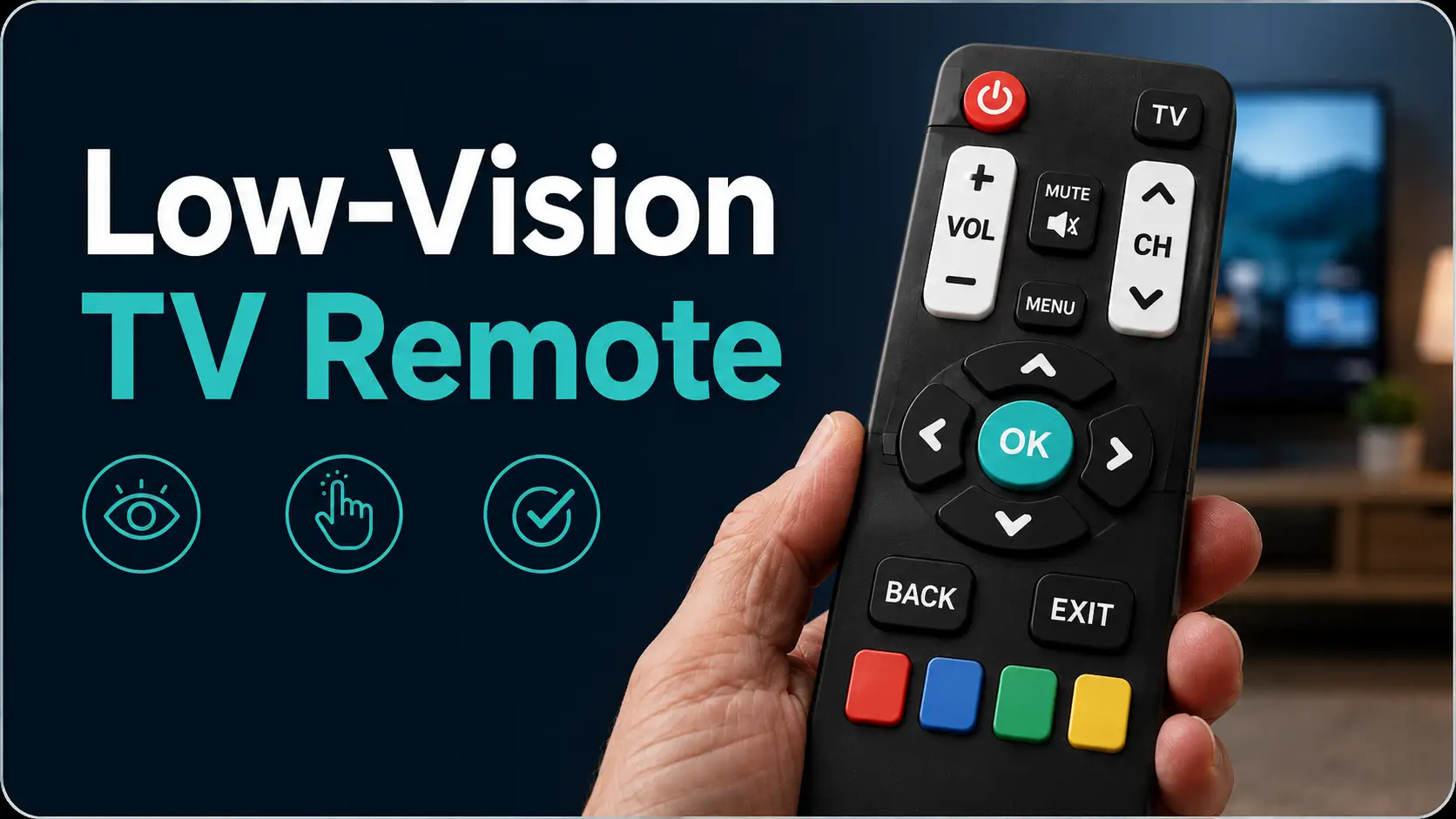
Large Button TV Remote Replacement for Low Vision: How to Choose One That Actually Helps

large button TV remote

Summary and next steps Choose a remote by the equipment and buttons the person actually uses, then check compatibility before buying. List the TV, box and essential functions Check button contrast, spacing and grip Confirm setup support and return terms for the exact model Related guides Smart TV Captions for Low Vision: Settings to Compare … Read more